
Lightning vs USB-C is not just a cable shape debate — it is a story about Apple finally adopting an industry standard after 11 years, and what that means practically for the hundreds of millions of people who own Apple devices.
Lightning: Apple’s Proprietary Standard (2012–2023)
Apple introduced Lightning in September 2012 with the iPhone 5, replacing the wider 30-pin dock connector that had served iPods and iPhones since 2003. At the time of release, Lightning was genuinely impressive: smaller, reversible, and more durable than the USB Micro-B standard that Android manufacturers were using.
Lightning served Apple devices for 11 years — longer than any other Apple connector standard. During that time, Apple generated enormous ecosystem revenue from the Made for iPhone (MFi) licensing program that required accessory manufacturers to pay for Lightning certification.
Lightning's technical limits:
- Data transfer: USB 2.0 speeds only — 480Mbps maximum
- Charging: 20W maximum with USB-C to Lightning + 20W adapter
- Video output: Requires a separate Lightning to HDMI/DisplayPort adapter, and even then limited
- Not an open standard: Proprietary to Apple, cannot be used without MFi licensing
Why Apple Switched to USB-C
The switch was not primarily driven by Apple's desire to improve the iPhone charging experience. It was driven by EU regulation.
In 2022, the European Union passed a directive requiring all small electronic devices sold in the EU to use USB-C as a common charging standard by December 2024. With the EU being one of Apple's largest markets, compliance was non-optional.
Apple implemented USB-C starting with iPhone 15 (all models, released September 2023). The Pro models received additional benefits beyond the connector change: USB 3 data speeds. The standard iPhone 15 and 15 Plus use USB-C but at USB 2.0 speeds — the same data rate as Lightning.
USB-C vs Lightning: The Technical Comparison
| Feature | Lightning | USB-C |
|---|---|---|
| Reversible | Yes | Yes |
| Max charging speed | 20W | 27W (iPhone 15 Pro) |
| Data speed | 480Mbps (USB 2.0) | 480Mbps to 40Gbps depending on cable/device |
| Video output | With adapter only, limited | Native DisplayPort, 4K/8K capable |
| Industry standard | No — Apple proprietary | Yes — universal open standard |
| Accessory ecosystem | MFi licensed only | Open — any manufacturer |
| iPhone compatibility | iPhone 4 through 14 | iPhone 15 and newer |
The Practical Upgrade: What Actually Changed for iPhone 15 Users
Faster charging: iPhone 15 Pro and Pro Max charge at up to 27W via USB-C — versus 20W maximum with the best Lightning setup. Real-world difference: approximately 10 to 15 minutes faster for a full charge.
Dramatically faster data on Pro models: iPhone 15 Pro and Pro Max support USB 3 speeds at 10Gbps — over 20 times faster than Lightning's 480Mbps ceiling. If you shoot ProRes video and need to transfer footage to a Mac or external drive quickly, this is genuinely significant. Transferring a 10GB ProRes file that took 3+ minutes over Lightning takes under 10 seconds over USB 3.
One cable for everything: MacBook, iPad, iPhone 15, AirPods Pro (USB-C case), Nintendo Switch, Android phone, Windows laptop — all use USB-C. This is arguably the most practically appreciated change for most users, even if the spec improvements are modest.
Do You Still Need Lightning Cables?
Yes, if you own any of the following:
- iPhone 14 and earlier: Every iPhone from iPhone 5 through iPhone 14 uses Lightning
- AirPods: AirPods 2, AirPods 3, AirPods Pro (1st gen), and AirPods Max (most models) use Lightning cases
- iPad (9th gen and earlier): Standard iPad models through 9th generation use Lightning
- Apple Pencil (1st gen): Charges via Lightning
- Magic Keyboard, Magic Mouse, Magic Trackpad (older versions): Lightning charging
For households with a mix of iPhone generations, keeping Lightning cables alongside USB-C remains practical for at least several years.
Shop Link Lightning iPhone Cables (3-Pack) →
Shop Link Trio 3-in-1 Cable (USB-C + Lightning + Micro-USB) →
The 3-in-1 Solution for Mixed Apple Households
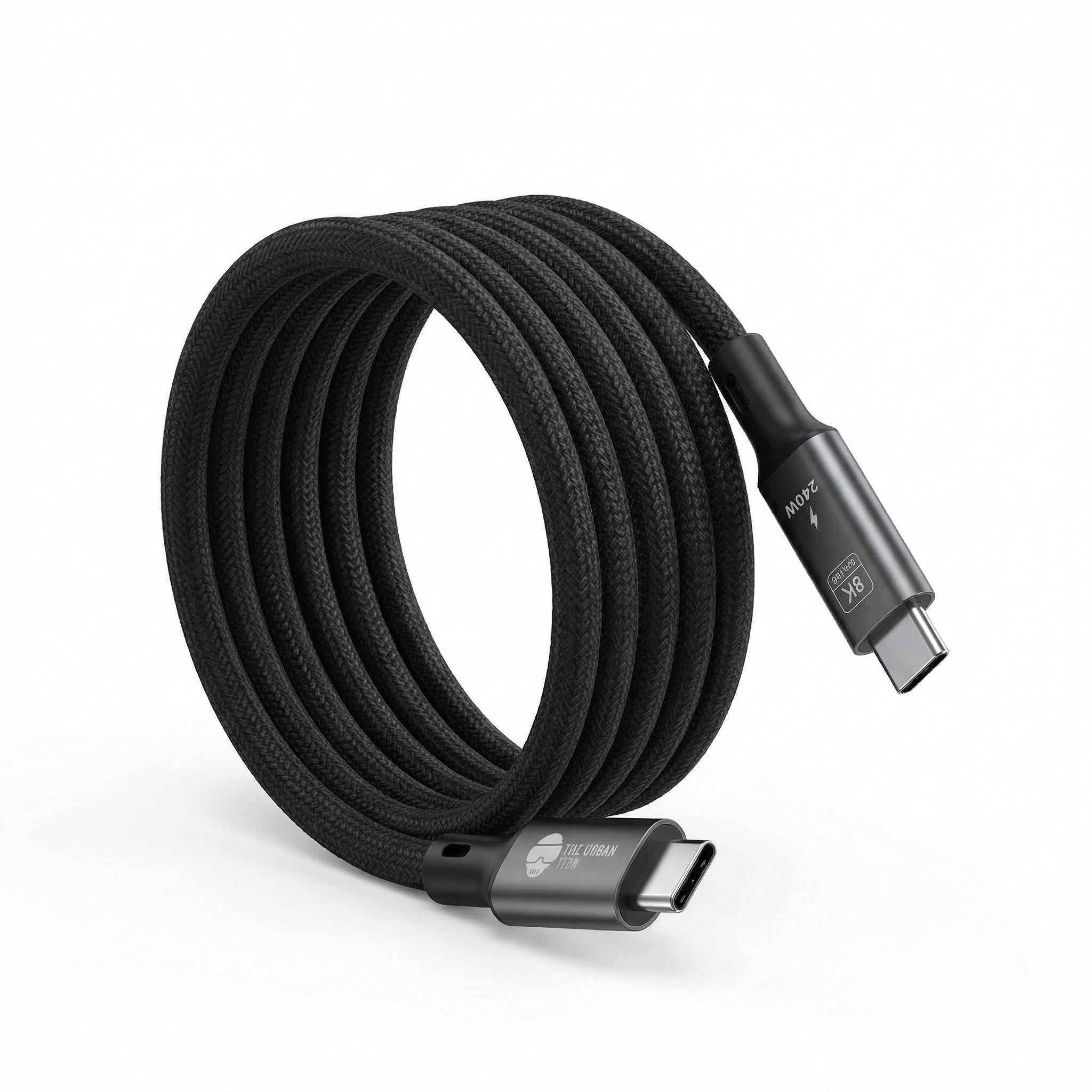
The cleanest solution for any household with both Lightning and USB-C devices is a 3-in-1 cable that includes USB-C, Lightning, and Micro-USB tips in one cable. Instead of managing separate cables for each device type, one cable handles everything. The Link Trio covers all three connector types from a single cable.
What About Lightning Accessories?
Apple's accessory ecosystem took years to build around Lightning. Cases, car mounts, docks, and charging pads all used Lightning connections. Most of these work with USB-C iPhones using a USB-C to Lightning adapter, though the experience is less clean than native USB-C accessories.
New accessories released since 2023 are primarily USB-C or use wireless connectivity. The Lightning accessory ecosystem will diminish gradually as older devices are retired.
Read More from The Geek Blog
Frequently Asked Questions
Why did Apple switch from Lightning to USB-C?
EU legislation required all small electronic devices sold in the EU to adopt USB-C as a common charging standard by December 2024. With Europe being one of Apple's largest markets, compliance was unavoidable. USB-C also offers genuine technical advantages: faster data transfer on Pro models and universal compatibility with MacBooks, iPads, and other devices.
Is USB-C faster than Lightning for charging?
Yes on Pro models. iPhone 15 Pro and Pro Max charge at up to 27W via USB-C versus Lightning's 20W maximum. Standard iPhone 15 and 15 Plus also use USB-C but charge at similar speeds to the Lightning-equipped iPhone 14 — the headline wattage advantage applies specifically to Pro models.
Is the data transfer speed difference between Lightning and USB-C significant?
For most users, no — most iPhone users sync wirelessly via iCloud and rarely transfer files by cable. For users who shoot ProRes video or regularly back up via cable, the iPhone 15 Pro's USB 3 speeds (10Gbps vs Lightning's 480Mbps) are a major upgrade. Standard iPhone 15 uses USB-C at USB 2.0 speeds matching Lightning.
Will my existing Lightning accessories work with my new iPhone 15?
Not directly. You need a USB-C to Lightning adapter to use Lightning accessories with USB-C iPhones. Most passive accessories (cables, simple docks) work via adapter. Some accessories that used Lightning for data sync rather than power may have limited functionality through an adapter.
Should I buy Lightning or USB-C cables going forward?
Buy USB-C cables for any new purchases. If you still use Lightning devices (older iPhones, older AirPods, older iPad), keep your existing Lightning cables and add USB-C cables for newer devices. The Link Trio 3-in-1 cable covers both connector types from one cable if you need to support a mixed household.
Does iPhone 15 wireless charging still work the same way?
Yes, completely. MagSafe and Qi2 wireless charging are entirely independent of the wired connector. Switching from Lightning to USB-C on the charging port has no effect on wireless charging functionality, MagSafe accessories, or any magnetic accessory compatibility.