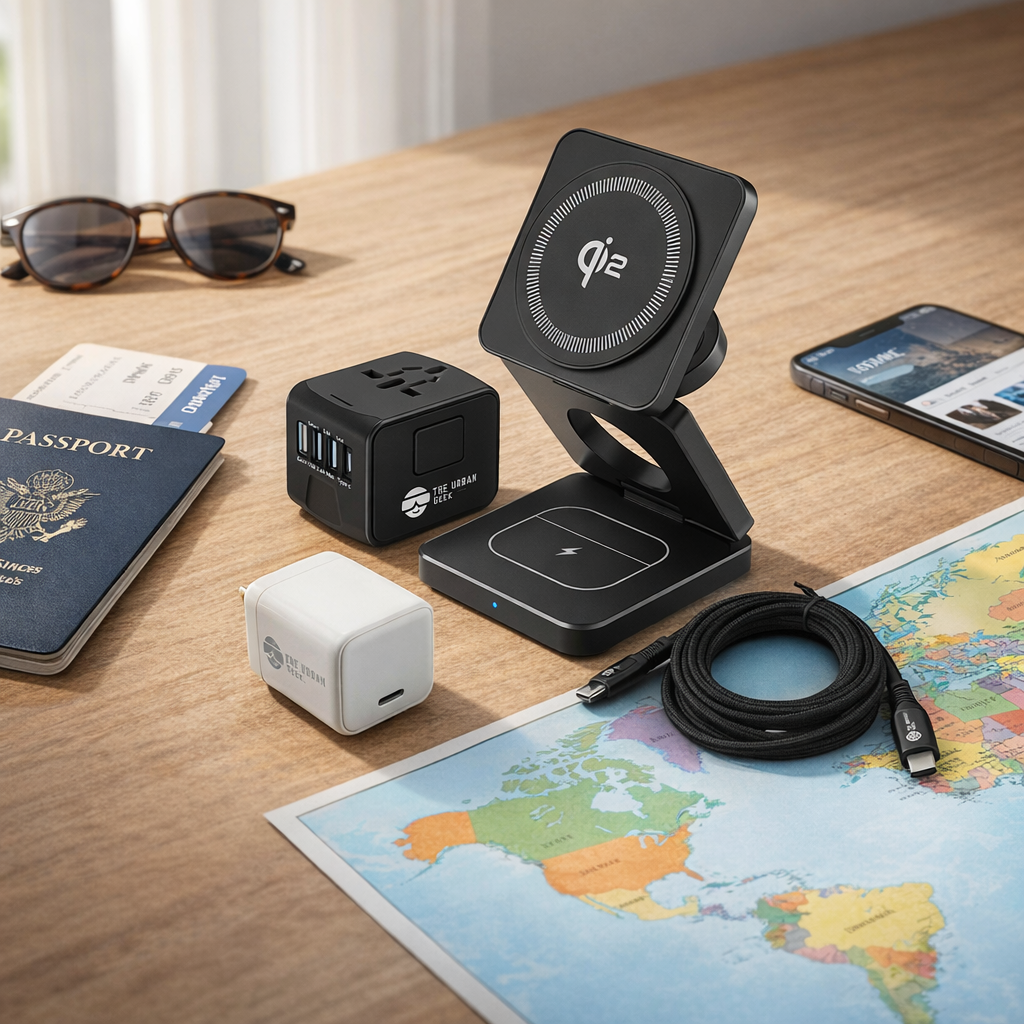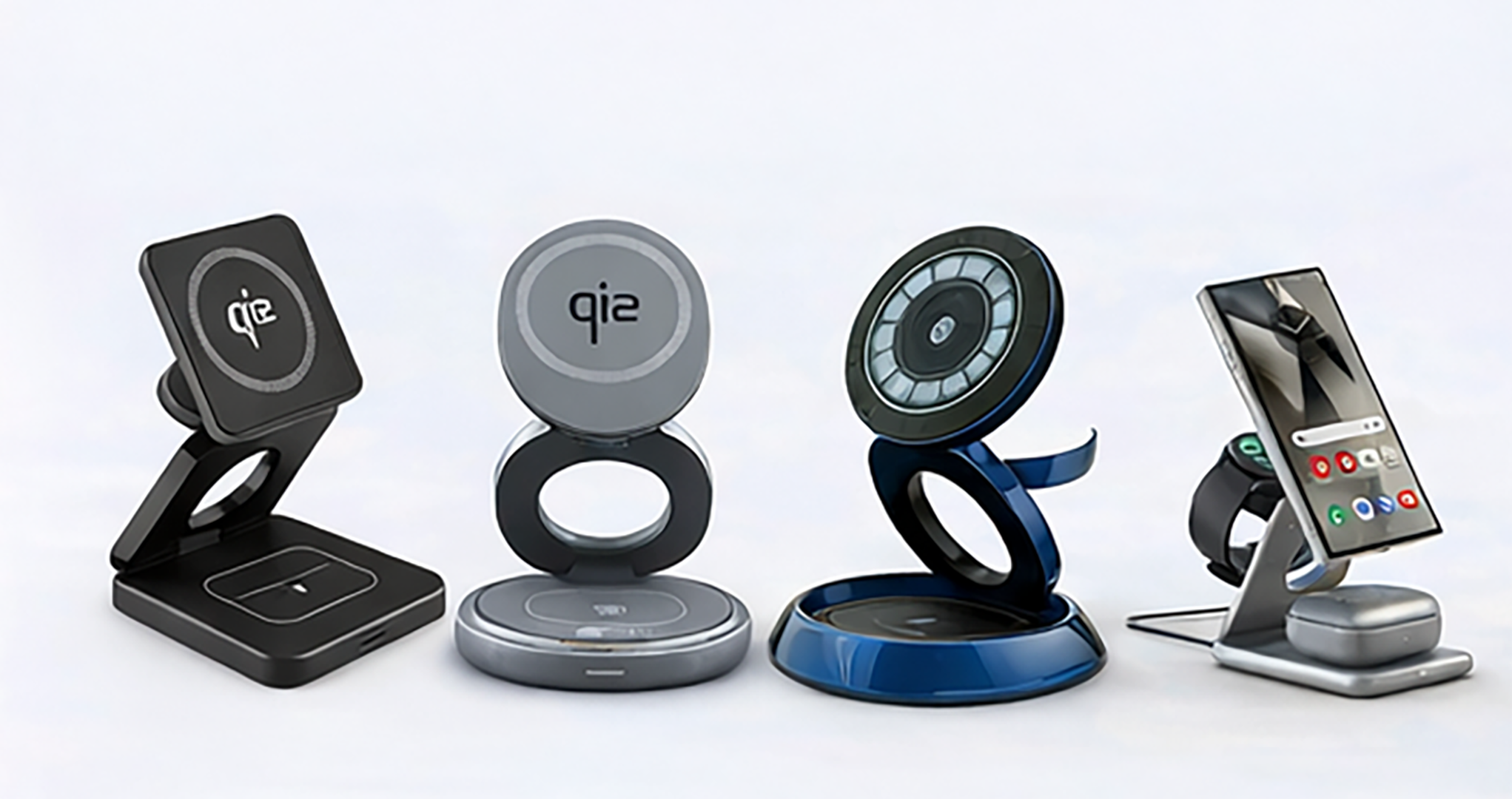

Modern desks rarely depend on one device. A typical workspace may include a laptop, phone, tablet, smartwatch, wireless earbuds and a portable accessory that all need power during the day.
Giving each device its own charger quickly creates tangled cables, occupied outlets and adapters spread across the desk. The better approach is to design one central charging area around the devices you actually use.
This guide explains how to charge multiple devices on one desk, how to calculate the power you need and when a wireless station, USB charging hub or combined wired-and-wireless station makes the most sense.
Quick Answer: What Is the Best Way to Charge Multiple Devices on One Desk?
For most workspaces, the simplest solution is a central multi-device charging station connected to one appropriately sized power source.
The right type depends on your device mix:
- Phone, smartwatch and earbuds: Consider a 3-in-1 wireless charging station.
- Phones, tablets and accessories: A multi-port USB-C charging hub offers greater flexibility.
- Laptop plus several smaller devices: Use a higher-output station that combines wired USB-C charging with a wireless pad.
The objective is not to connect the greatest possible number of devices. It is to provide enough compatible power while reducing unnecessary adapters and cables.
Why Desk Charging Becomes Messy
Charging clutter usually develops one device at a time. A phone cable is followed by a watch charger, an earbuds cable, a tablet adapter and eventually a laptop charger.
This can produce:
- Several adapters competing for outlets
- Cables crossing the working area
- Devices placed wherever an outlet is available
- Difficulty identifying which cable belongs to which device
- Chargers that remain plugged in but are rarely used
Creating a designated charging zone keeps power accessories away from the main working surface and makes it easier to see which devices are charging.
Start With a Device and Power Inventory
Before buying a charging station, list the devices you expect to charge at the same time.
| Device | Typical connection | Best charging approach |
|---|---|---|
| Laptop | USB-C Power Delivery or manufacturer charger | Higher-power wired USB-C connection |
| Tablet | Usually USB-C | Wired USB-C charging |
| Phone | USB-C, Lightning or wireless | Wired fast charging or compatible wireless pad |
| Smartwatch | Brand-specific magnetic charger | Compatible watch module or dedicated cable |
| Wireless earbuds | USB-C, Lightning or Qi wireless | Low-power cable or compatible wireless surface |
Next, identify which devices need to charge simultaneously. You may own six devices but only need to charge three during a normal workday.
Total Wattage Is Shared Across the Charging Station
A station advertised as 100W or 105W generally describes its total available output, not the amount delivered to every connected device.
When several devices are attached, the station distributes power across its active ports and charging surfaces. The exact allocation depends on the station design and the power requirements negotiated with compatible devices.
For example, connecting a laptop, tablet and phone does not mean each receives the station’s full rated wattage. The laptop may receive the largest share while the smaller devices receive lower outputs appropriate for them.
Before purchasing, check:
- The station’s total rated output
- The maximum output of each wired port or integrated cable
- Whether port output changes when several devices are connected
- The maximum output of the wireless charging surface
- Whether the required power cable and adapter are included
Wired and Wireless Charging Serve Different Jobs
A well-designed desk setup often uses both.
Use wired USB-C charging for higher-power devices
Laptops and tablets usually benefit from a wired connection because it can provide more power and broader device compatibility. USB-C Power Delivery allows compatible devices and chargers to negotiate an appropriate power level.
Use wireless charging for convenience
A wireless pad is useful for a phone or compatible earbuds case that is picked up and returned to the desk frequently.
Wireless charging still requires correct positioning. Magnetic standards such as Qi2 use magnetic alignment to help position compatible devices over the charging coil.
If your setup is centered on Apple devices, our guide to the best MagSafe-compatible charger for iPhone explains MagSafe, Qi2 and Qi2 25W in more detail.
Types of Multi-Device Desk Chargers
3-in-1 wireless charging stations
These are designed primarily for a phone, smartwatch and wireless earbuds. They work well when all three devices are compatible with the station’s dedicated charging positions.
The advantage is an organized, low-cable setup. The limitation is that they are less useful for laptops, tablets or devices outside the supported ecosystem.
Multi-port USB-C charging hubs
USB charging hubs power several devices through individual cables. They are more flexible than ecosystem-specific wireless stations and can support phones, tablets and other USB-powered accessories.
The tradeoff is that cables still need to be managed.
Combined wired-and-wireless charging stations
These stations combine higher-power wired connections with a wireless charging surface. They are often the most practical option for a mixed desk containing a laptop, phone, tablet and smaller accessories.
Integrated or retractable cables can reduce loose cable length while keeping wired charging available for devices that require more power.
A Practical Option for a Mixed-Device Desk: Urban Geek FlexHub
The Urban Geek FlexHub 105W 6-in-1 Charging Station combines wired and wireless charging in one compact hub.
Its current configuration includes:
- Up to 105W total charging capacity
- USB-C Power Delivery for compatible wired devices
- Integrated retractable USB-C cables
- Additional wired charging ports
- A built-in wireless charging pad for compatible devices
- GaN-based power delivery in a compact desk-friendly design
FlexHub can support a mixed setup of phones, tablets, compatible laptops, earbuds and other accessories. Actual output depends on the connected devices and how the station distributes power across the active connections.

How to Build a Cleaner Desk Charging Setup
1. Choose one charging location
Place the station near the devices that return to the desk most often. Avoid putting it where charging cables must cross the keyboard or main working area.
2. Put the highest-power device first
Confirm that the station can support the laptop or tablet that requires the most power. Smaller accessories are usually easier to accommodate afterward.
3. Use short or retractable cables
Extra cable length creates visual clutter. Retractable cables, short device cables or under-desk routing can keep unused cable away from the work surface.
4. Keep wireless surfaces unobstructed
Do not place keys, cards or other foreign objects between a device and its wireless charging surface. Use compatible cases and follow the charger manufacturer’s placement instructions.
5. Leave room for heat to dissipate
Do not bury the station under papers, fabric or other desk accessories. Charging equipment should have reasonable airflow and should not be used when cables or housings are damaged.
6. Label any remaining loose cables
If the desk still requires device-specific cables, small labels can prevent confusion and discourage unnecessary unplugging.
Common Desk-Charging Mistakes
- Buying by total wattage alone: Port allocation and device compatibility matter as much as the headline number.
- Assuming every USB-C port is identical: Ports on the same station can support different maximum outputs.
- Expecting wireless charging to power a laptop: Higher-power devices normally require wired charging.
- Using an incompatible watch position: Smartwatch charging is often brand- or model-specific.
- Ignoring simultaneous-use limits: Connecting more devices can change how available power is distributed.
- Allowing cables to cross the work area: Centralized charging only helps if the cabling is also organized.
How Many Devices Should One Station Support?
Choose based on simultaneous use rather than the total number of devices you own.
- Two or three small devices: A compact wireless station may be sufficient.
- Three or four mixed devices: A multi-port USB-C hub may provide better compatibility.
- Laptop plus several accessories: A higher-output combined wired-and-wireless station is usually more practical.
It is sensible to leave one connection available for an occasional device, but buying far more capacity than you use adds cost and desk space without improving the daily experience.
Frequently Asked Questions
What is the best way to charge multiple devices on one desk?
Create one central charging area and select a station that matches the devices you charge simultaneously. Use wired USB-C for higher-power devices and wireless charging where convenience matters.
Does a 105W station deliver 105W to every device?
No. The rating describes total potential output. Available power is distributed across active connections according to the station design and the requirements of compatible devices.
Can one charging station power a laptop and phone?
Yes, if the station provides sufficient compatible wired output for the laptop and enough remaining capacity for the phone. Check the output specifications and simultaneous-use behavior before purchasing.
Are multi-device charging stations safe?
Safety depends on product design, condition, compatibility and correct use. Choose a reputable product, use compatible devices and cables, keep charging surfaces clear and follow the manufacturer’s instructions. Stop using any charger or cable that is damaged, unusually hot or operating inconsistently.
Is wireless or wired charging better for a desk?
Neither is universally better. Wired charging is generally more suitable for laptops and higher-power devices. Wireless charging is convenient for compatible phones and earbuds that are picked up frequently.
Final Thoughts
The cleanest charging setup is not necessarily completely wireless. It combines the right power source, compatible connections and deliberate cable placement.
Start with the devices you use, calculate which ones need power simultaneously and select a station with suitable total capacity and port allocation.
A central charging hub can then reduce outlet use, contain cable clutter and keep the devices on your desk ready without turning the workspace into a collection of adapters.
For a broader look at planning for changing device standards, read our guide to building a future-proof charging setup.