
Dedicated gaming headset or regular wireless headphones — gamers debate this constantly. And the answer is less straightforward than most people expect. Gaming headsets are purpose-built for gaming. But “purpose-built” does not always mean better for your specific situation.
What Gaming Headsets Do Differently
Gaming headsets are designed around two specific priorities: spatial audio for gaming environments and microphone quality for team communication.
Spatial audio tuning: Gaming headsets are often tuned for gaming soundscapes — emphasizing directional cues like footsteps, gunshots, reloads, and environmental sounds that help with in-game situational awareness. In competitive shooters, hearing an enemy approach from a specific direction before you see them is a genuine advantage. Gaming headsets frequently boost the frequency ranges where these cues live.
Boom microphone: Most dedicated gaming headsets include a boom microphone on a flexible arm that positions directly in front of your mouth. This provides noticeably better voice pickup than the built-in microphones in regular headphones, which sit further from your mouth and capture more room noise. For team-based games where clear callouts matter, the boom mic is a real functional difference.
Multi-platform compatibility: Gaming headsets are typically designed to work across PC, PS4, PS5, Nintendo Switch, Xbox, and mobile — often with both wireless and wired connection options for flexibility and zero-latency wired play when needed.
The Groove Gaming Headset is a wireless Bluetooth gaming headset designed for PC, PS4, PS5, Nintendo Switch, and mobile, with a boom microphone for clear team communication.
What Regular Wireless Headphones Do Better
Sound quality for music and media: Headphones tuned for balanced music reproduction often sound better for general media than gaming headsets tuned specifically for gaming frequencies. If you listen to music, watch films, and game on the same device, balanced headphones serve all three better than a gaming-specific tuning serves music.
Versatility: Regular wireless headphones go from gaming to calls to commuting to music without any adjustment. A gaming headset with a permanent boom mic looks out of place on a train or in a coffee shop. Headphones with a retractable or hidden mic work everywhere.
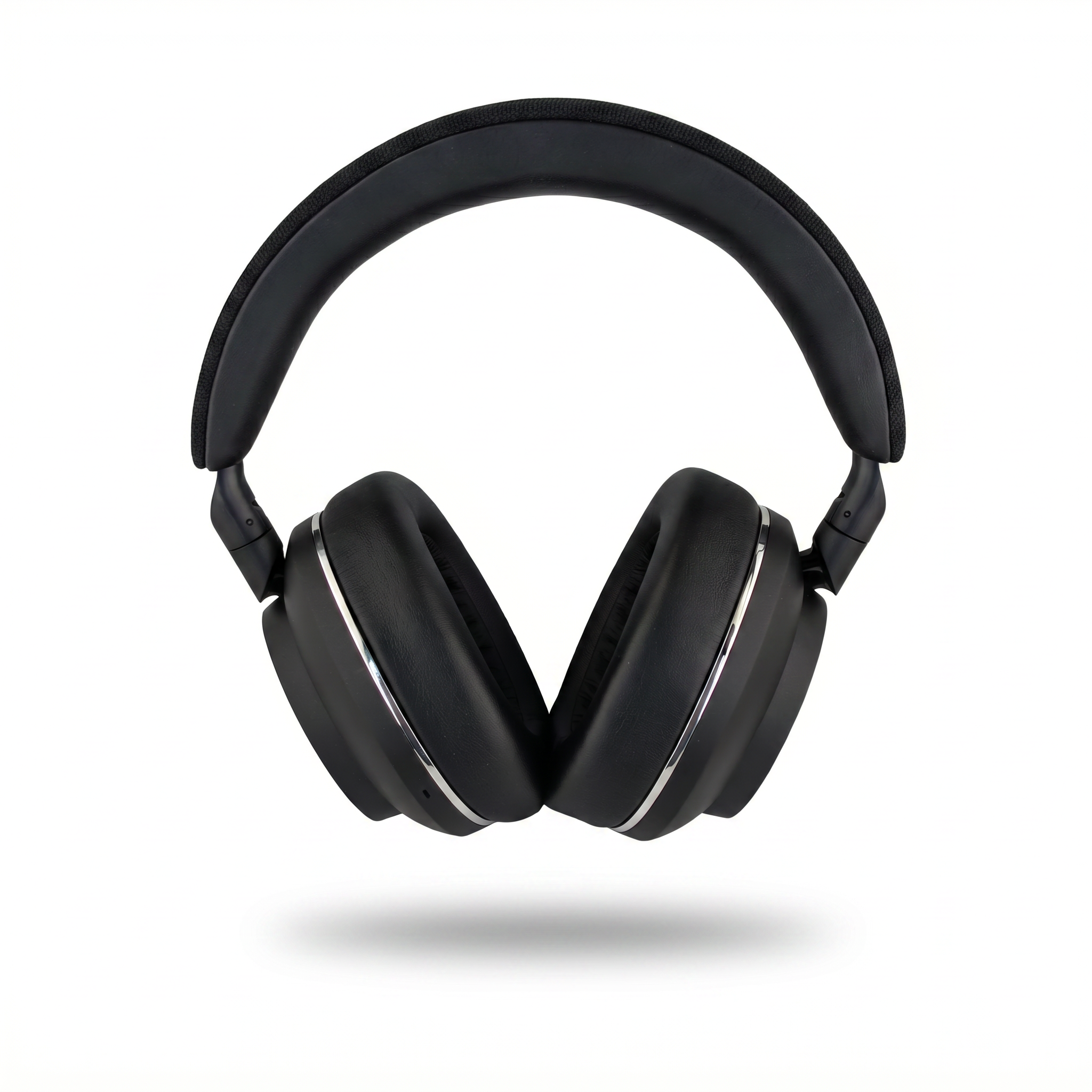
Active Noise Cancellation: Most dedicated gaming headsets do not include ANC — they rely on passive isolation from the ear cups. Over-ear headphones like the Groove Pro with 38dB Hybrid ANC can dramatically improve focus during long gaming sessions by removing household and ambient noise entirely.
Comfort for long sessions: Premium headphones often use lighter materials and better-distributed clamping force, which matters during marathon gaming sessions. Heavy gaming headsets with large boom assemblies can cause fatigue over several hours.
Shop Groove Pro with 38dB Hybrid ANC →
Gaming Headset vs Headphones: Head-to-Head
| Factor | Gaming Headset | Wireless Headphones |
|---|---|---|
| Microphone quality | Excellent (boom mic) | Good (built-in/ENC) |
| Spatial/directional audio | Tuned for gaming | Balanced |
| Music quality | Variable | Generally better |
| ANC | Rarely included | Often included |
| Versatility | Gaming-focused | All-purpose |
| Looks in public | Conspicuous | Discreet |
| Low-latency mode | Standard | On gaming-capable models |
The Deciding Factor: How You Actually Game
Choose a gaming headset if: you play competitive multiplayer where voice chat and directional audio are critical, you primarily game at a fixed desk or console setup, and you do not need the same device for commuting or public use. The boom mic and gaming tuning give a real competitive edge in team-based and tactical games.
Choose wireless headphones if: you mostly play single-player games, you also use your audio for music, films, and commuting, you want ANC for focus, or you want one versatile device rather than a single-purpose one. Many players are better served by quality all-purpose headphones than by a gaming-only headset that sits unused outside of gaming.
Latency: The Most Misunderstood Spec
Latency — the delay between an action and the corresponding sound — is the spec gamers worry about most with wireless audio. Standard Bluetooth has latency of 100 to 200ms, which is noticeable in fast-paced games where audio cues need to align precisely with on-screen action.
However, most modern gaming headsets and gaming-capable wireless headphones include a dedicated low-latency gaming mode that reduces this to 40ms or below — imperceptible in normal gameplay. Some use a 2.4GHz wireless dongle (rather than Bluetooth) for near-zero latency, and most support a wired connection for guaranteed zero latency in competitive scenarios.
The practical takeaway: wireless latency is a solved problem for casual and most competitive play, provided the device has a low-latency mode. Only the most demanding competitive players at the highest tiers prefer wired for the absolute zero-latency guarantee.
What is Virtual Surround Sound?
Many gaming headsets advertise virtual or 7.1 surround sound. This uses digital signal processing to simulate multi-channel directional audio through the two physical drivers in the headset. Done well, it improves your ability to locate sounds in 3D space — hearing whether a footstep is behind you, to your left, or above you. Done poorly, it can muddy the audio and actually reduce clarity. Quality varies significantly between implementations, so user reviews focused on positional accuracy are the most reliable guide.
Read More from The Geek Blog
- Wireless Earbuds vs Headphones →
- ANC vs ENC: What's the Difference? →
- What is Bluetooth 5.3? →
- Wireless Audio Guide →
Frequently Asked Questions
Do gaming headsets sound better than regular headphones?
Not necessarily. Gaming headsets are tuned for gaming audio — emphasizing directional cues and spatial awareness. For music and general media, headphones with balanced tuning often sound better. For competitive gaming specifically, gaming-tuned audio can provide a situational advantage in hearing footsteps and positional cues.
Is wireless latency an issue for gaming headsets?
With older Bluetooth, latency of 100 to 200ms was noticeable. Modern gaming headsets and gaming-capable wireless headphones include dedicated low-latency modes that reduce latency to 40ms or below — imperceptible in normal gameplay. Many also support wired connection for guaranteed zero latency.
Can I use regular headphones for competitive gaming?
Yes. Many competitive gamers use studio or audiophile headphones for their accurate frequency response and wider soundstage, paired with a separate microphone. Audio clarity and accurate positional sound matter more than gaming-specific branding.
Do gaming headsets work with PS5, Xbox, and Switch?
Compatibility varies by headset and connection type. The Groove Gaming Headset supports PC, PS4, PS5, Nintendo Switch, and mobile. Xbox has specific wireless requirements on some models, so always verify platform compatibility before purchasing.
Is a boom microphone better than a built-in microphone for gaming?
Generally yes for team communication. Boom microphones position closer to your mouth for better voice pickup and typically include noise filtering. Built-in microphones in headphones have improved with ENC processing but still typically lag behind a dedicated boom mic for clarity in team callouts.
What is virtual surround sound in gaming headsets?
Virtual surround uses digital signal processing to simulate multi-channel audio through two drivers, creating the impression of directional sound. It is useful for hearing footsteps and positional cues in games. Quality varies significantly between implementations — check reviews for positional accuracy specifically.
Do I need a gaming headset if I already have good headphones?
If your headphones have a low-latency mode and a decent microphone (or you use a separate mic), you may not need a dedicated gaming headset at all. The main reasons to add one are a superior boom mic for team games and gaming-specific audio tuning for competitive play.